
The #1 Tool for Teachers
A random group generator for your classroom screen
Paste your class list, choose groups of 3 or 4 groups, and press Make groups. The groups appear side by side on the board, ready for partner work, centres or projects.
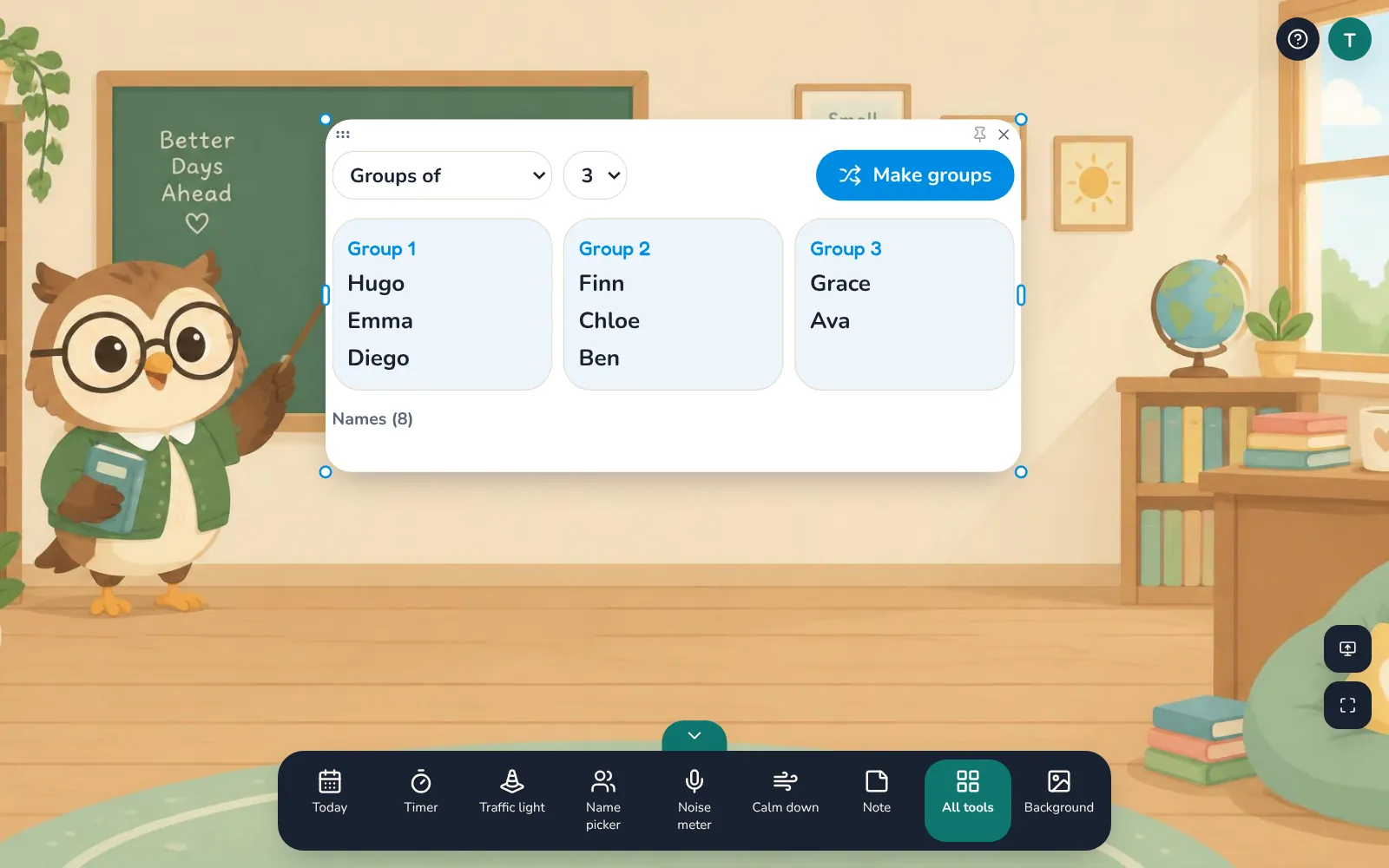
How the group maker works
- Choose Groups of (2 to 8 students each) or Number of groups (2 to 8 groups)
- Groups are as even as possible: at most one group is smaller, and never a group of one
- Press Make groups again for a new mix
- Your class list is saved to your own account for next time (first names only), and only you can see it
- Resize the window to make the names bigger for the whole class
Why teachers use it
No more picking teams
Random groups in one click, with no hurt feelings over who chose whom.
Balanced sizes
The groups are as even as possible, so no student ends up working alone.
Ready for the next class
Your list is saved, at school and at home, so tomorrow's groups take a second.
Which plan includes it
The group maker is included in the free plan.
Try it with your class
Every tool free for 14 days. No card needed.