
The #1 Tool for Teachers
Your weekly timetable, ready on the classroom screen
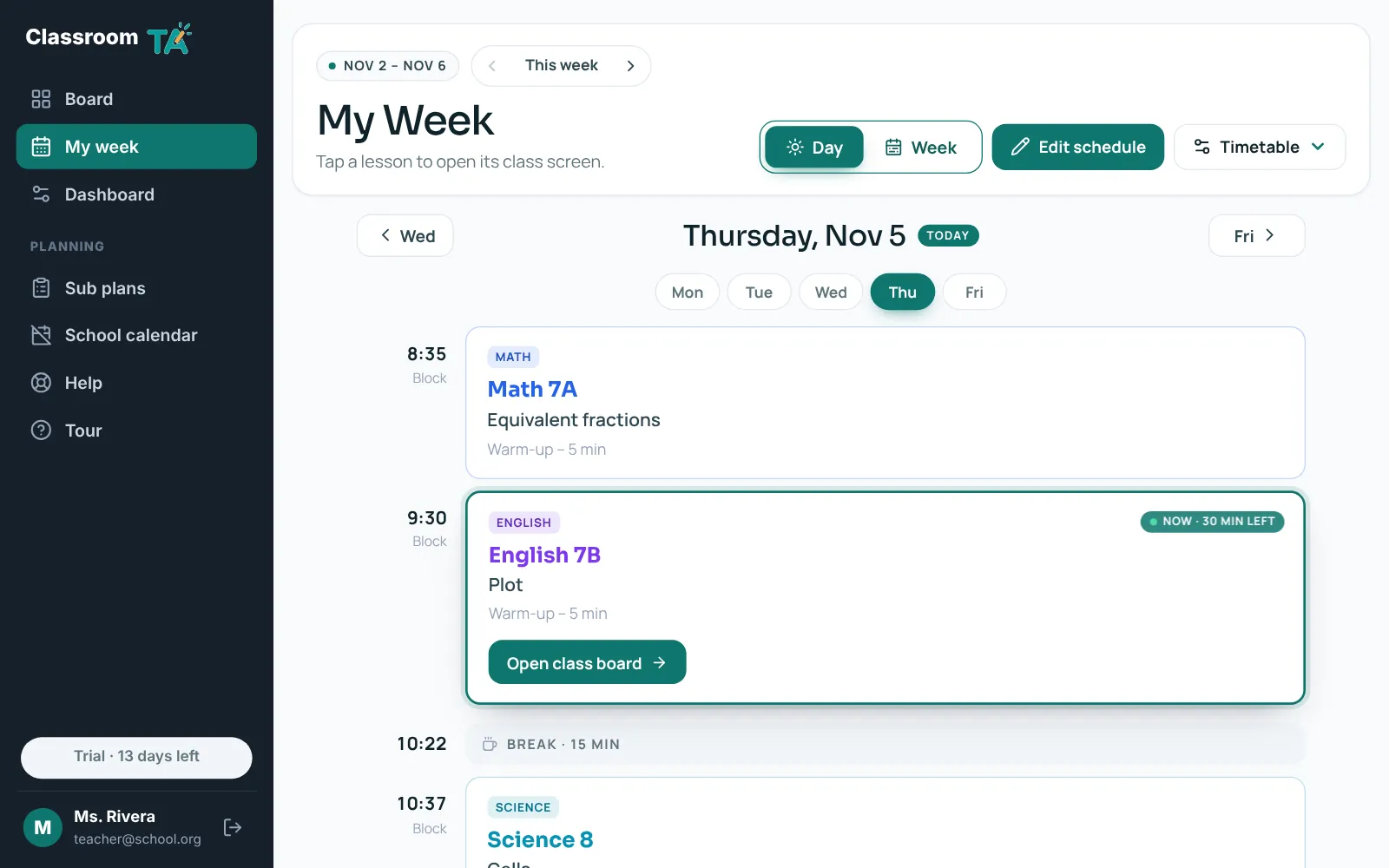
My week turns your timetable into a day-by-day plan. Drop in your school's PDF or answer a few quick questions, then open any lesson as its own class screen.
What My week does
- Reads your timetable PDF and gives you an editable draft to check before saving
- Or set it up by typing: same bell times every day? Same classes every day? It fills the week for you
- Day view for today and Week view for the whole week, up to four weeks ahead
- Weekly timetables or rotating cycles (Day 1, Day 2…), with holidays and PD days from your school calendar
- A class screen for every lesson with a lesson plan, timer and clock, and a Today tool on your board
- Copy a day or a class to other days when your schedule repeats
Why teachers use it
Set up once
Your timetable repeats every week, so there's nothing to re-enter on Monday.
Always on the right class
The board shows the class happening now and the next one, with minutes left.
Fits real school calendars
Rotating cycles skip weekends and days off, so Day 3 is always the right Day 3.
Which plan includes it
My week and class screens are part of Pro and of the 14-day free trial.
Try it with your class
Every tool free for 14 days. No card needed.