
The #1 Tool for Teachers
Classroom tools for teachers, on one screen
Classroom TA is a classroom screen for teachers. These are the tools you get, what they do, and which plan includes them.
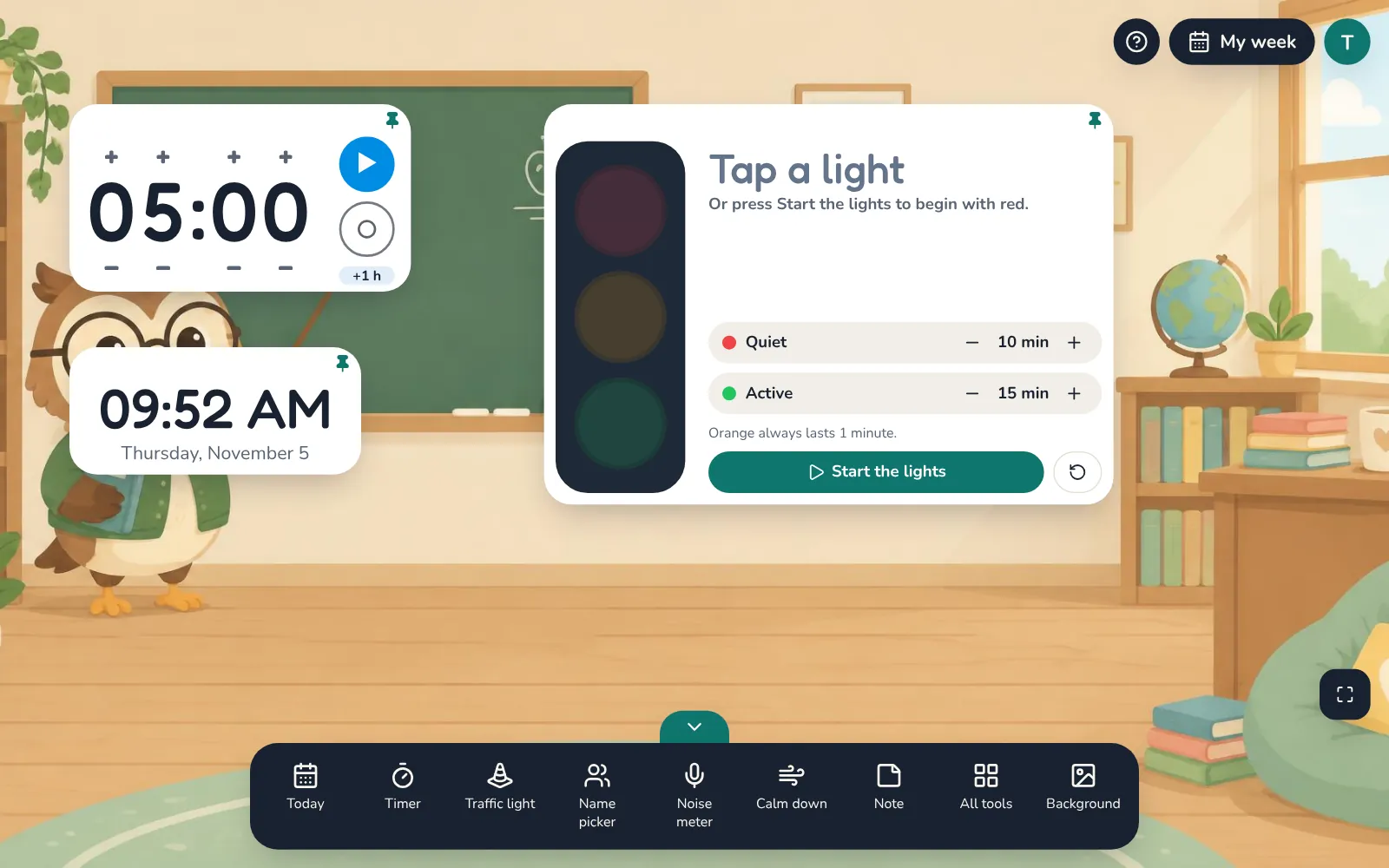
A classroom timer your whole class can read
A big, clear classroom timer for your smartboard or projector, with a clock and a red, orange and green traffic light for quiet and active work time.
Learn more →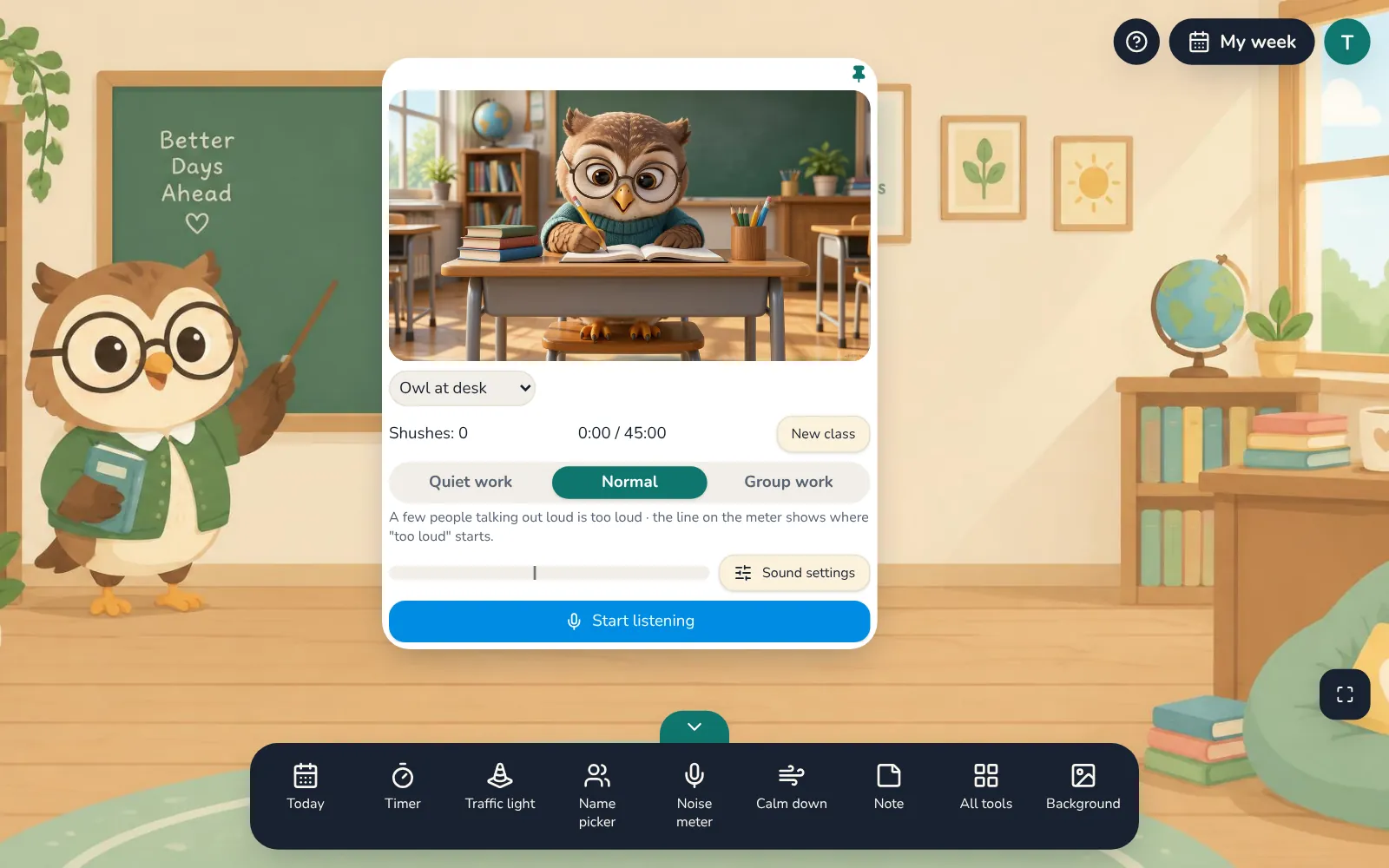
A classroom noise meter that asks for quiet so you don't have to
A classroom noise meter that listens through your computer's microphone, shows the class how loud it is, and asks for quiet with a calm animated scene and your chosen voice.
Learn more →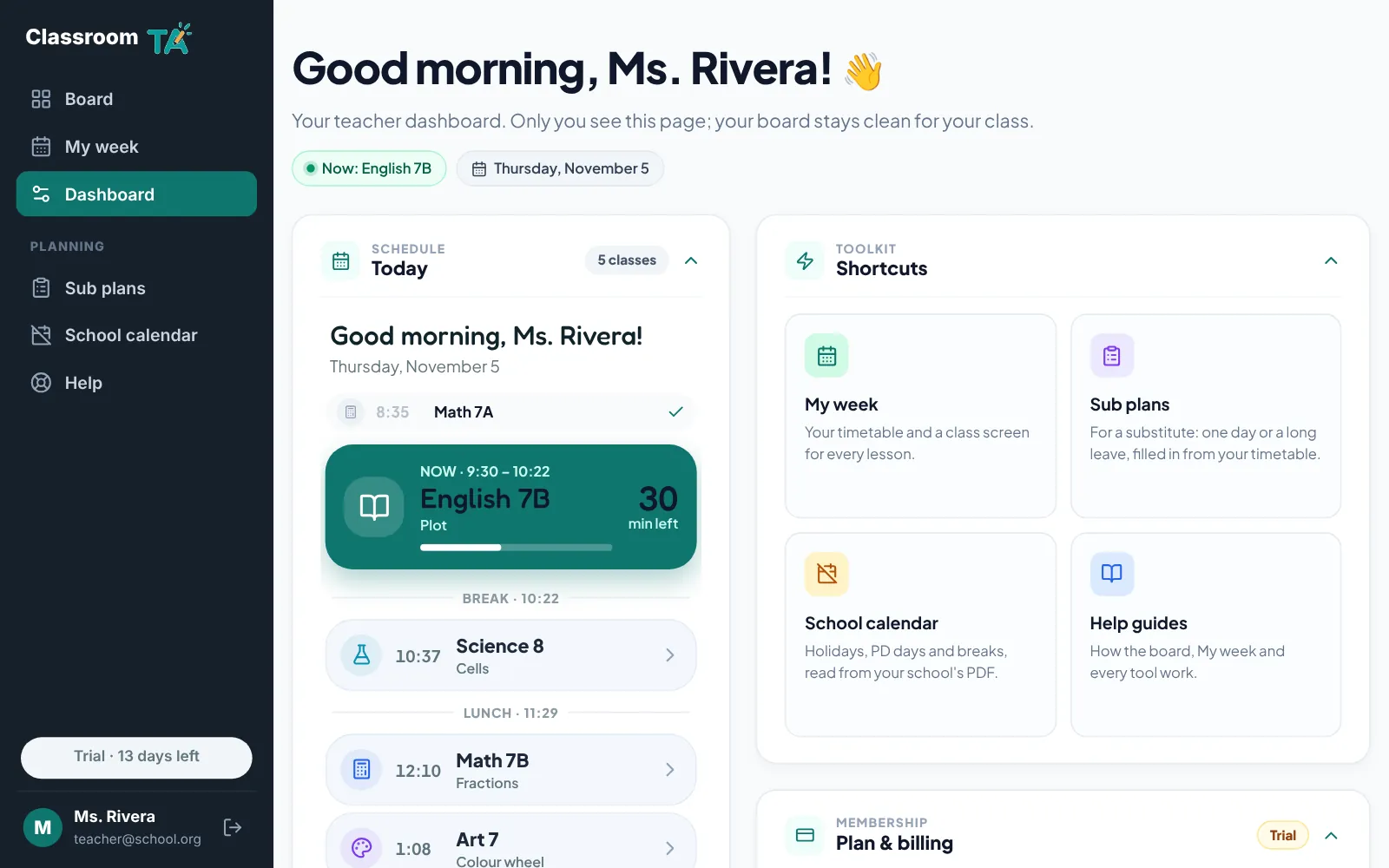
A classroom screen for students and a dashboard just for you
Classroom TA gives you a classroom screen for your students and a private teacher dashboard for you: today's classes, shortcuts, board settings and your plan.
Learn more →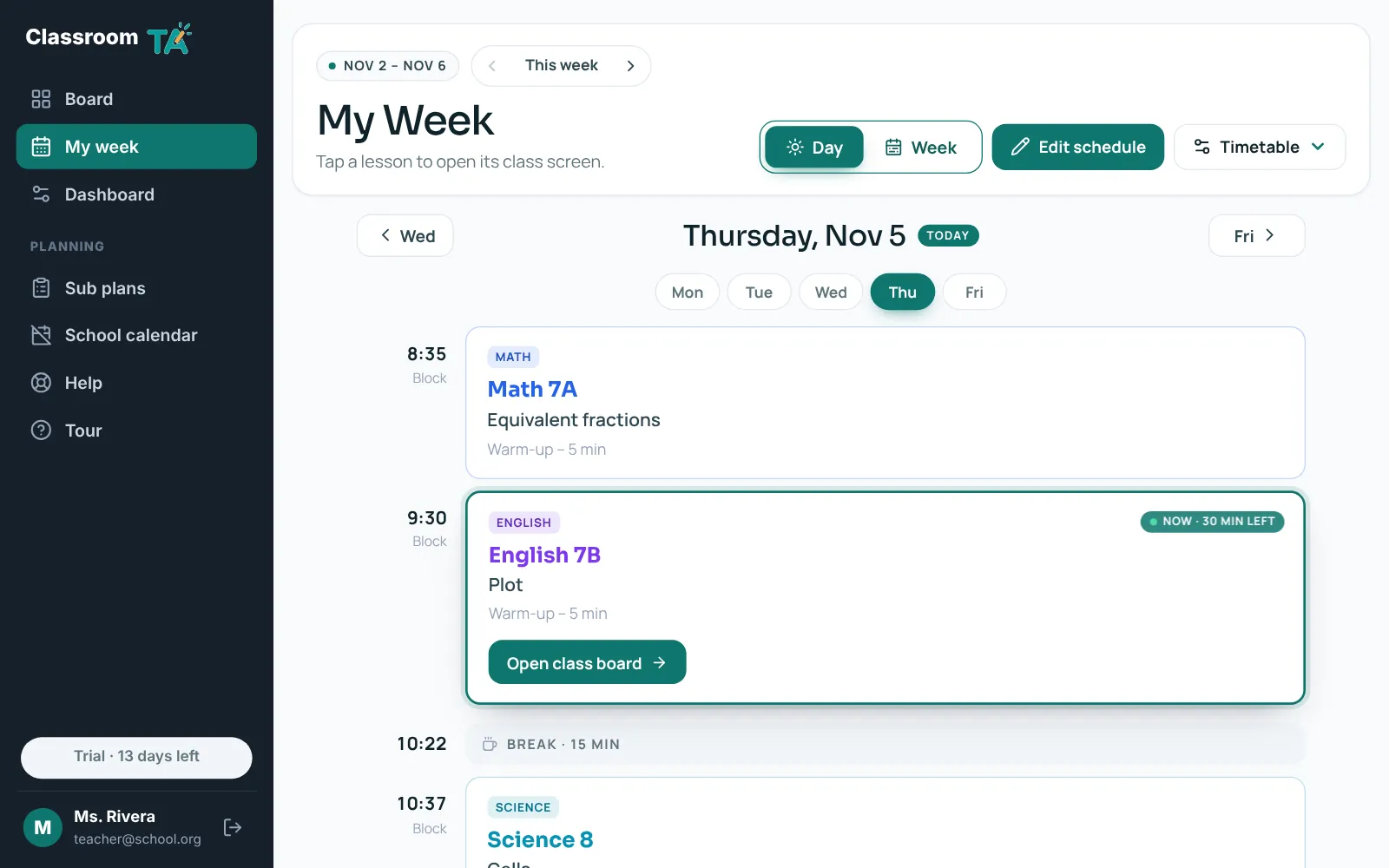
Your weekly timetable, ready on the classroom screen
Upload your timetable PDF or type it in once. Classroom TA shows your day and week, supports rotating day cycles and school days off, and opens a class screen for every lesson.
Learn more →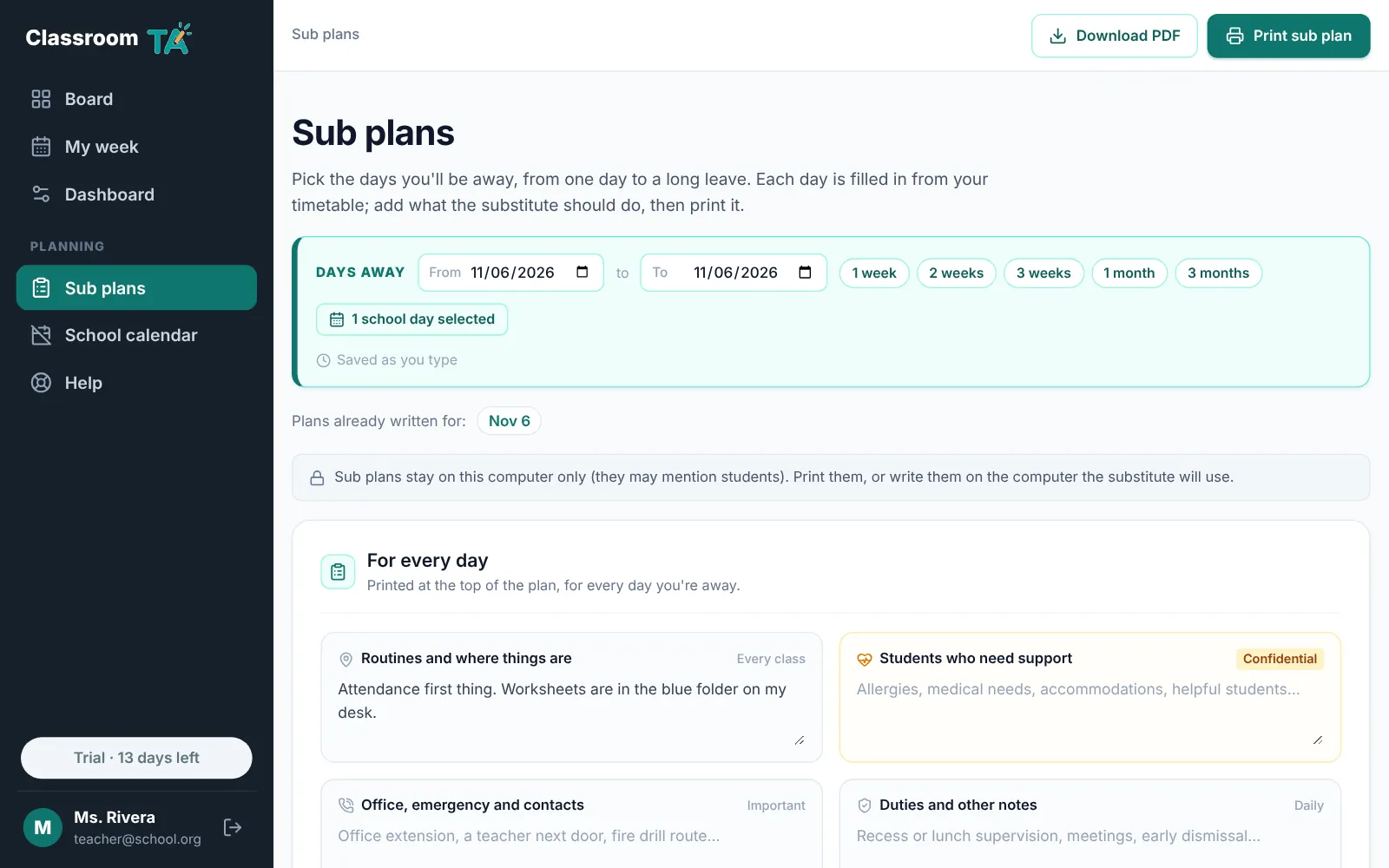
Sub plans that fill themselves in from your timetable
Write sub plans in minutes. Pick the days you'll be away and each day fills in from your timetable; add instructions, then print or download a PDF with clickable links.
Learn more →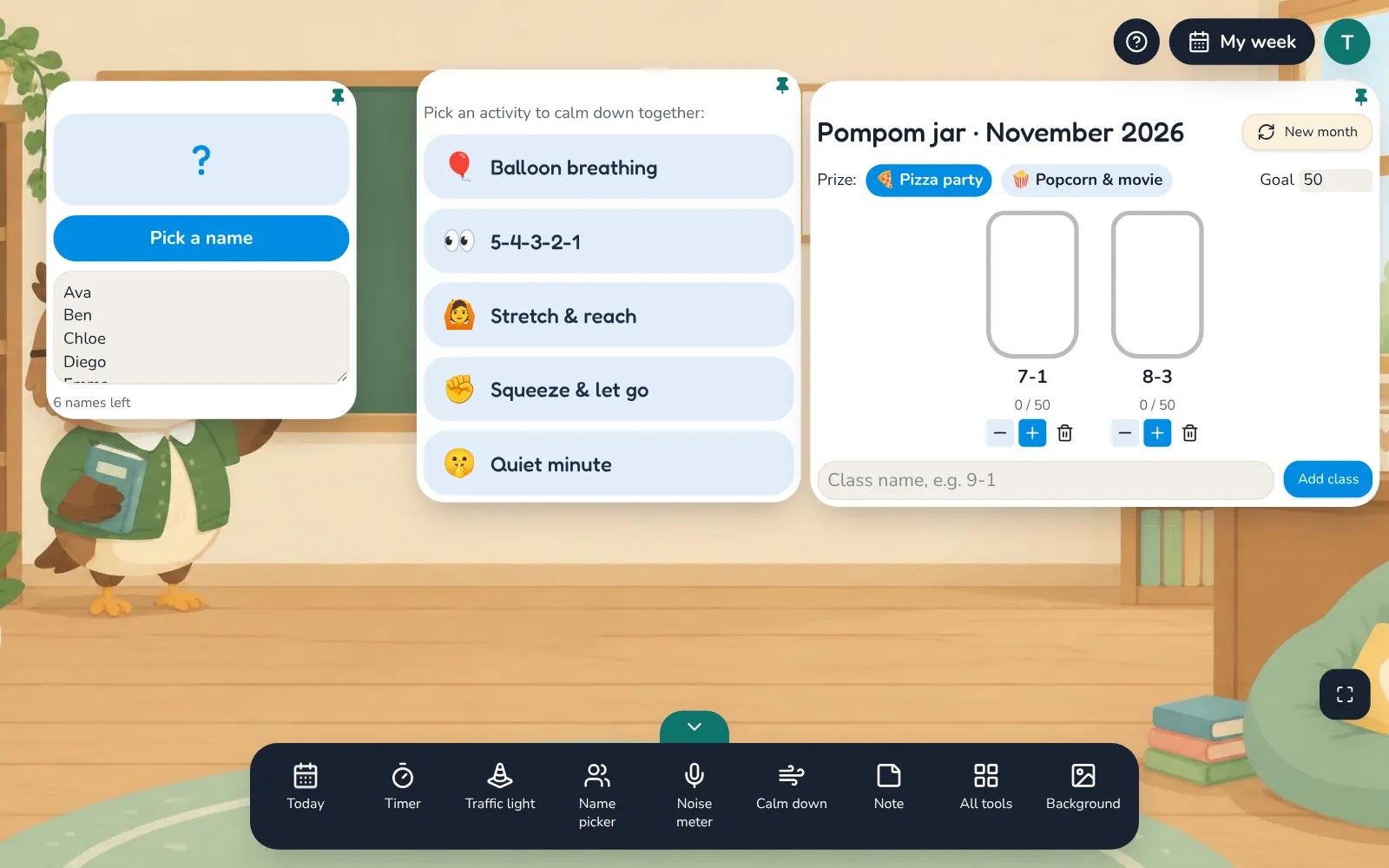
Interactive classroom activities for every part of the day
Interactive classroom tools for your smartboard: a name picker, calm-down activities, a pompom reward jar, You belong messages, games for early finishers, call and response, reading time and music.
Learn more →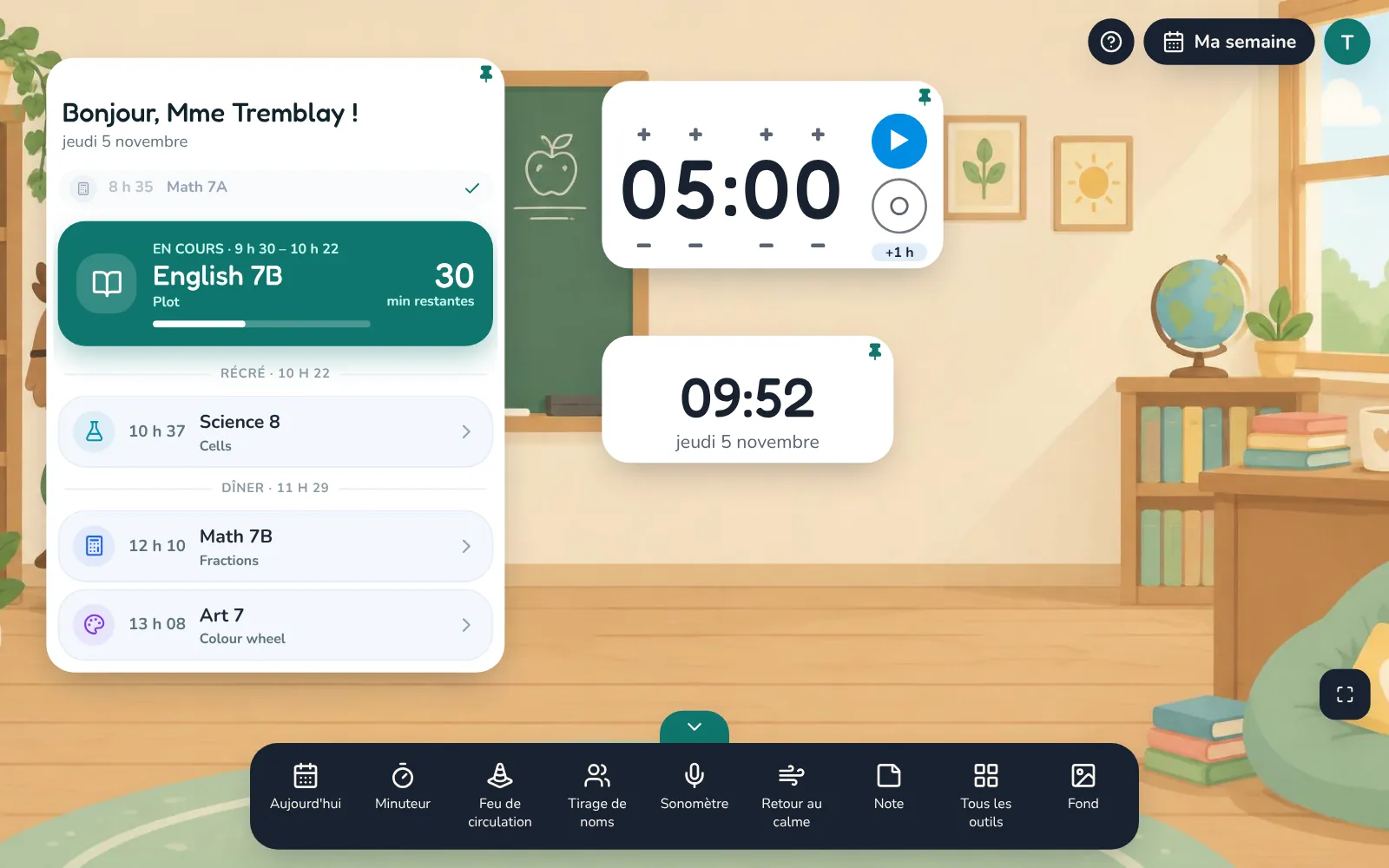
Classroom tools in French and English
Classroom TA works in French or English: the board and its tools, My week, Sub plans and the help guides. Includes a French quiet voice, a translator and a dictionary for French classes.
Learn more →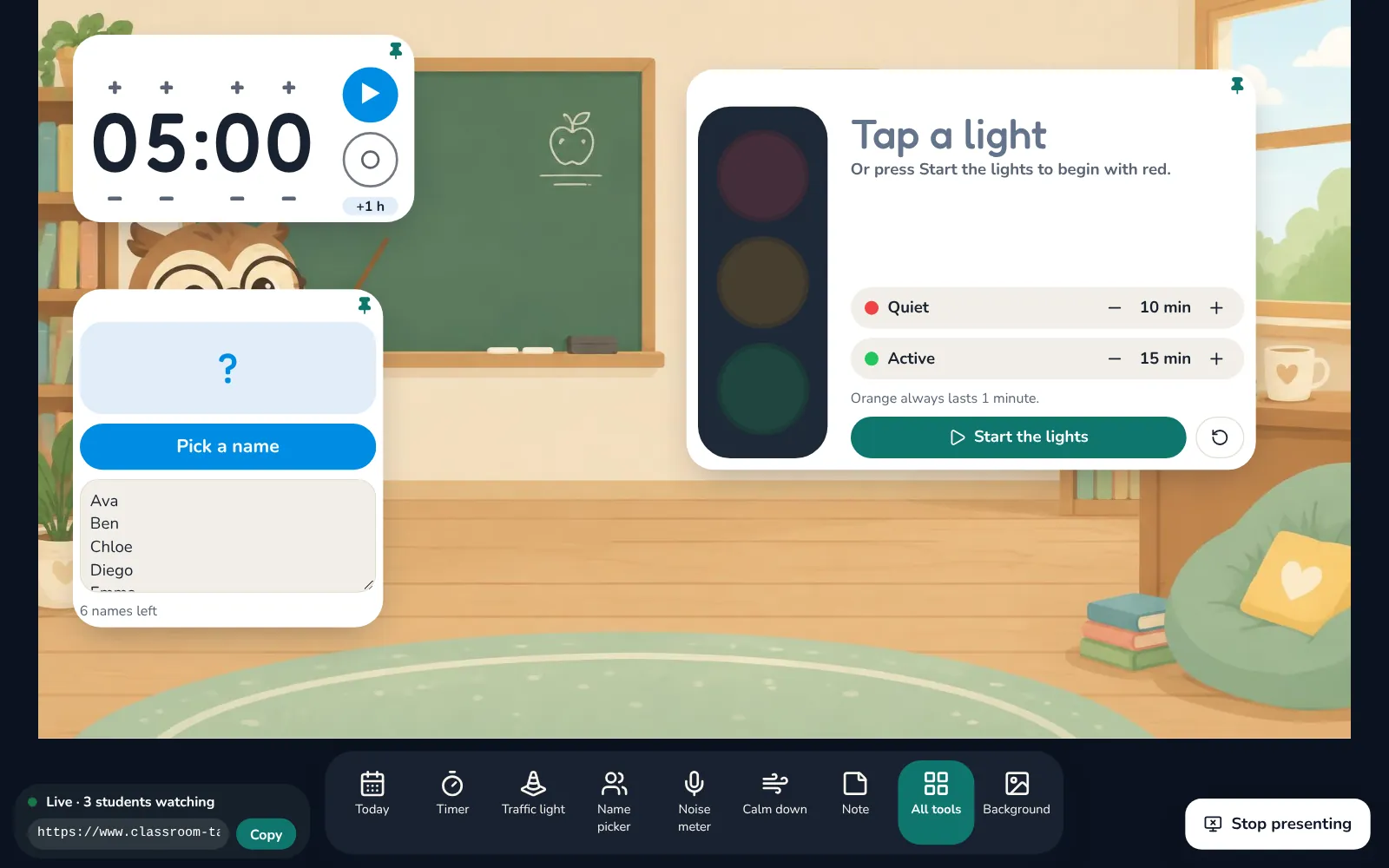
Your classroom screen, for online classes too
Teach online with the same classroom screen: share a clean board window in Zoom, Google Meet or Microsoft Teams, or send students a live link to watch the board on their own device.
Learn more →Try it with your class
Every tool free for 14 days. No card needed.