
The #1 Tool for Teachers
A classroom screen for students and a dashboard just for you
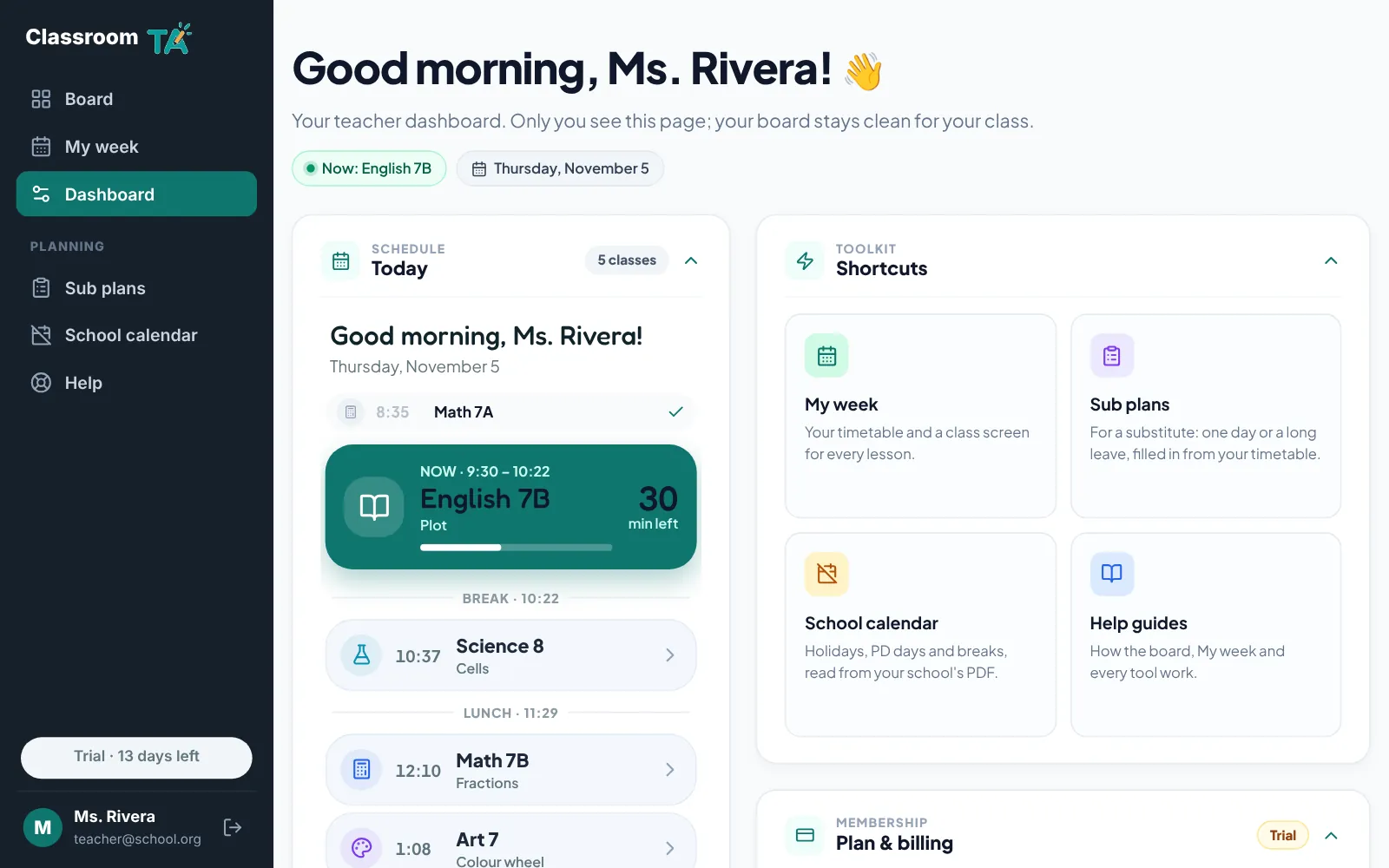
Your board is the screen your class sees: tools, a classroom background and today's lessons. Your teacher dashboard is private: today's schedule, shortcuts to your planning, board settings and your account.
On your classroom board
- More than 15 classroom tools that open as windows you can move, resize and pin in place
- A short toolbar of your favourite tools, with every other tool one click away under All tools
- Classroom backgrounds, or your own pictures (kept on your computer)
- Full-screen mode for the smartboard or projector
On your private teacher dashboard
- Today's classes, with the class happening now or coming up next
- Shortcuts to My week, Sub plans, your school calendar and the help guides
- Board settings: the name your board greets you with, language and clock
- Your plan and billing, and a quick way to contact support
Why teachers use it
Students only see the classroom
Trial, billing and account details stay off the board and class screens.
Everything in one tab
Replace a timer site, a noise app, a name picker and a planner with one screen.
Your settings follow you
Sign in on another computer and your board name, favourite tools and timetable come with you.
Which plan includes it
The board and dashboard are included in every plan. Some tools and My week are part of Pro and the 14-day free trial.
Try it with your class
Every tool free for 14 days. No card needed.