
The #1 Tool for Teachers
Your classroom screen, for online classes too
Teaching a virtual class? Show your board in your video call, or send students a link to watch it live on their own device, while you keep the toolbar and controls private on your computer.
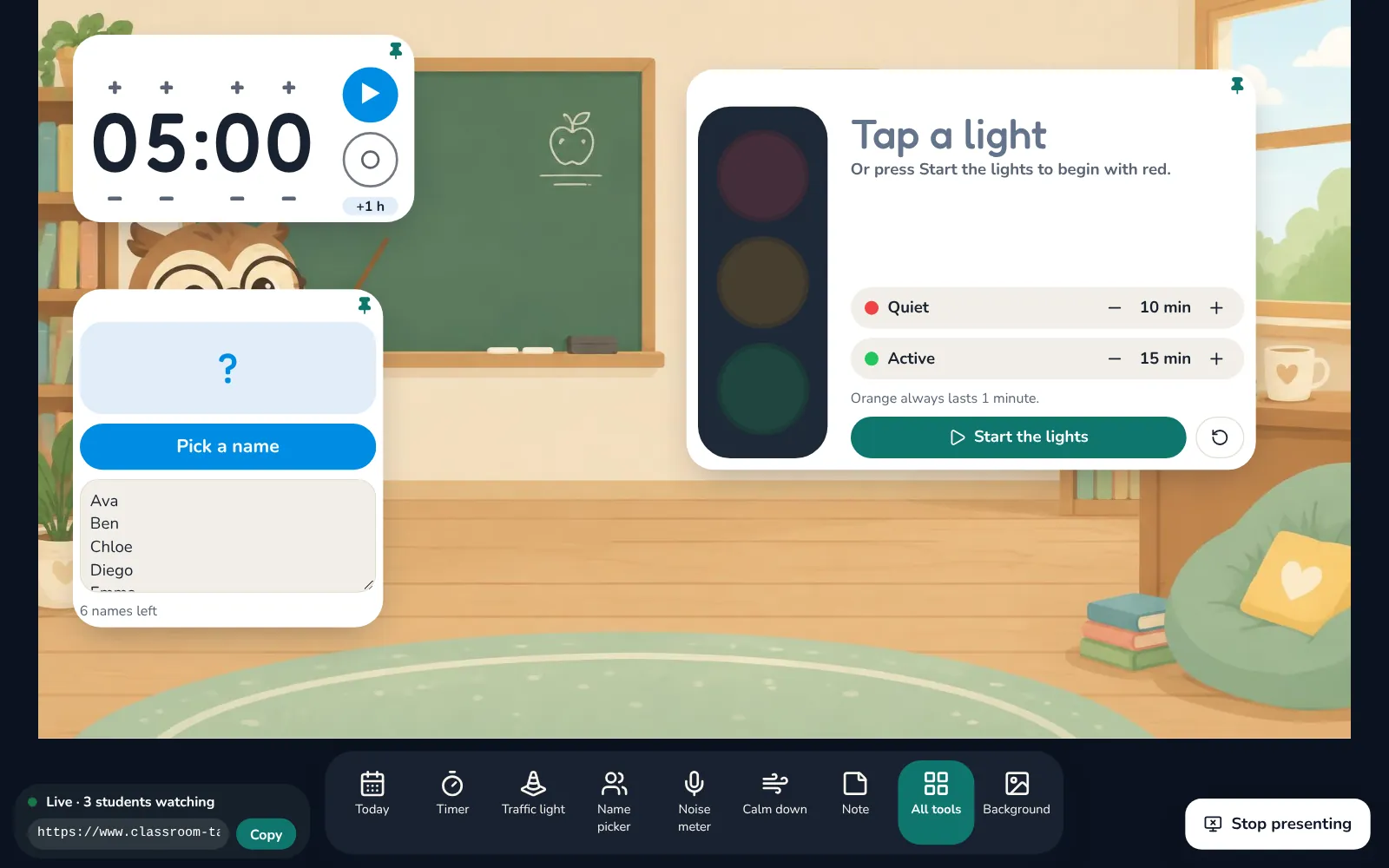
Two ways to show your board online
- In Zoom, Meet or Teams: a window with only your board, to share with Share screen → Window
- Live link for students: they open it on a computer, tablet or phone, with no account or app, and watch the board live
- See how many students are watching; the link stops working when you stop
- Your toolbar, menus and other tabs stay on your computer and are never shared
- Share your computer sound in the call so students hear the timer bell, the traffic light and music
Why teachers use it
Same routines at school and at home
Students see the same timer, traffic light and name picker in a virtual class as in the classroom.
Clear on every screen
The live link sends the board itself, so text stays sharp even on a small laptop.
Private by design
The picture goes straight from your browser to your students'. It is not recorded or stored.
Which plan includes it
Presenting works on every plan in Chrome or Edge on a computer. The tools you show follow your plan: Pro and the 14-day free trial include every tool.
Try it with your class
Every tool free for 14 days. No card needed.